
Smart player
Uses each device’s best video engine and switches format by itself when one won’t open. Updated often.
Fusion PRO Player is the player for people who already have their own playlist: it reconnects on its own when a source drops, switches content without leaving the video and is built for the TV remote.
We sell no playlists or content. The app plays what you already have.
Get it from your TV, phone or computer store. On TV boxes and Fire Stick, use the Downloader app code.
Both codes show on the app’s home screen and identify your device.
On the Send playlist page, with an M3U link or your server code. Or ask your provider to send it straight to the TV.
Every detail was measured on real TVs, including basic ones with little memory.
Uses each device’s best video engine and switches format by itself when one won’t open. Updated often.
If the picture freezes or the source drops, the app retries and looks for another source while you keep watching.
Video memory tuned for TV boxes and low-RAM TVs: fewer freezes and faster channel changes.
Change channel or episode with the video open, without going back to the menu.
Always-visible focus and arrow-key navigation across the whole app, from menu to player.
The app knows several addresses of our service and switches route by itself if one goes down.
Keep more than one playlist on the same device and pick which one to open.
Adult content behind a PIN that locks again when the app goes to the background.
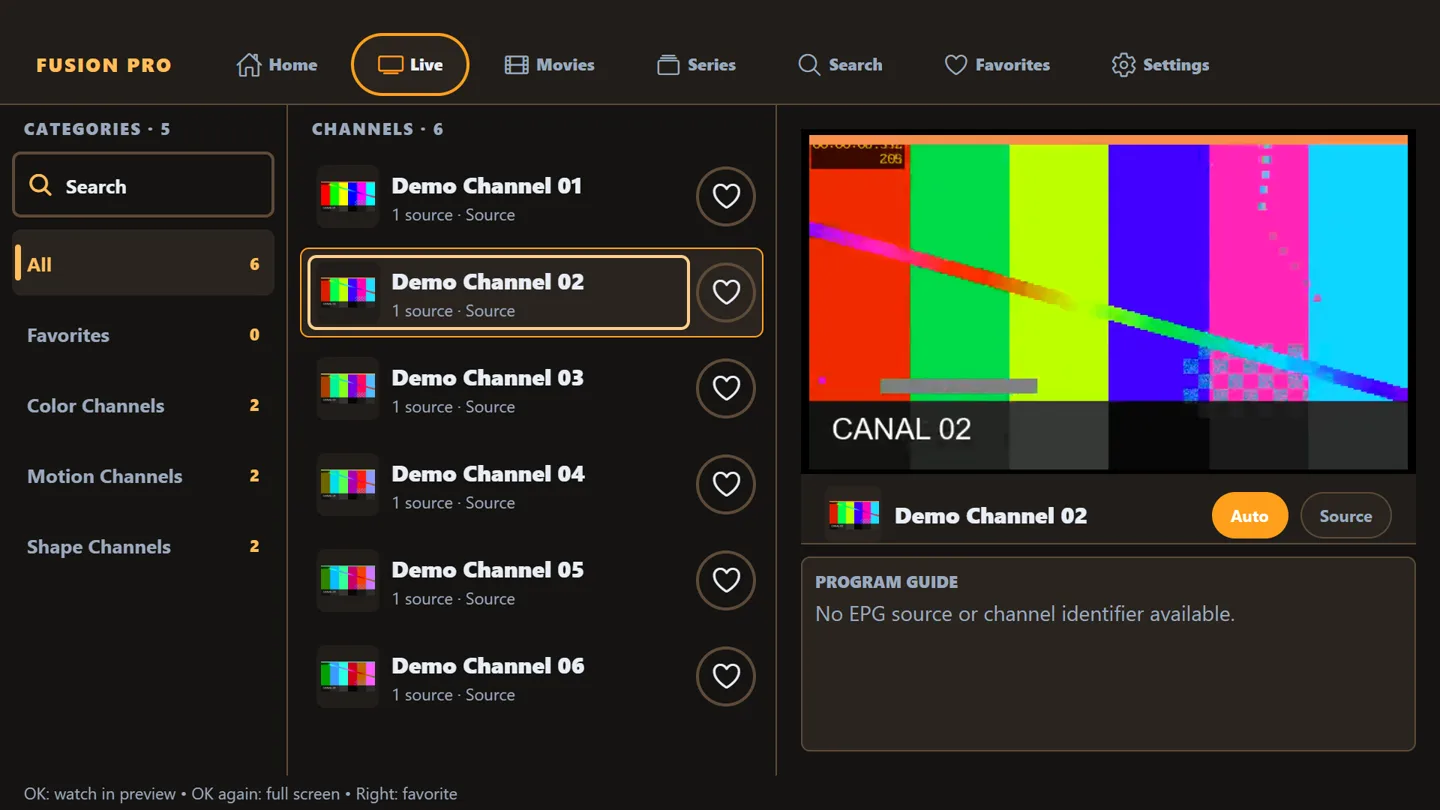
Categories, list and preview side by side. One OK goes full screen and the arrows change channel without closing the video.
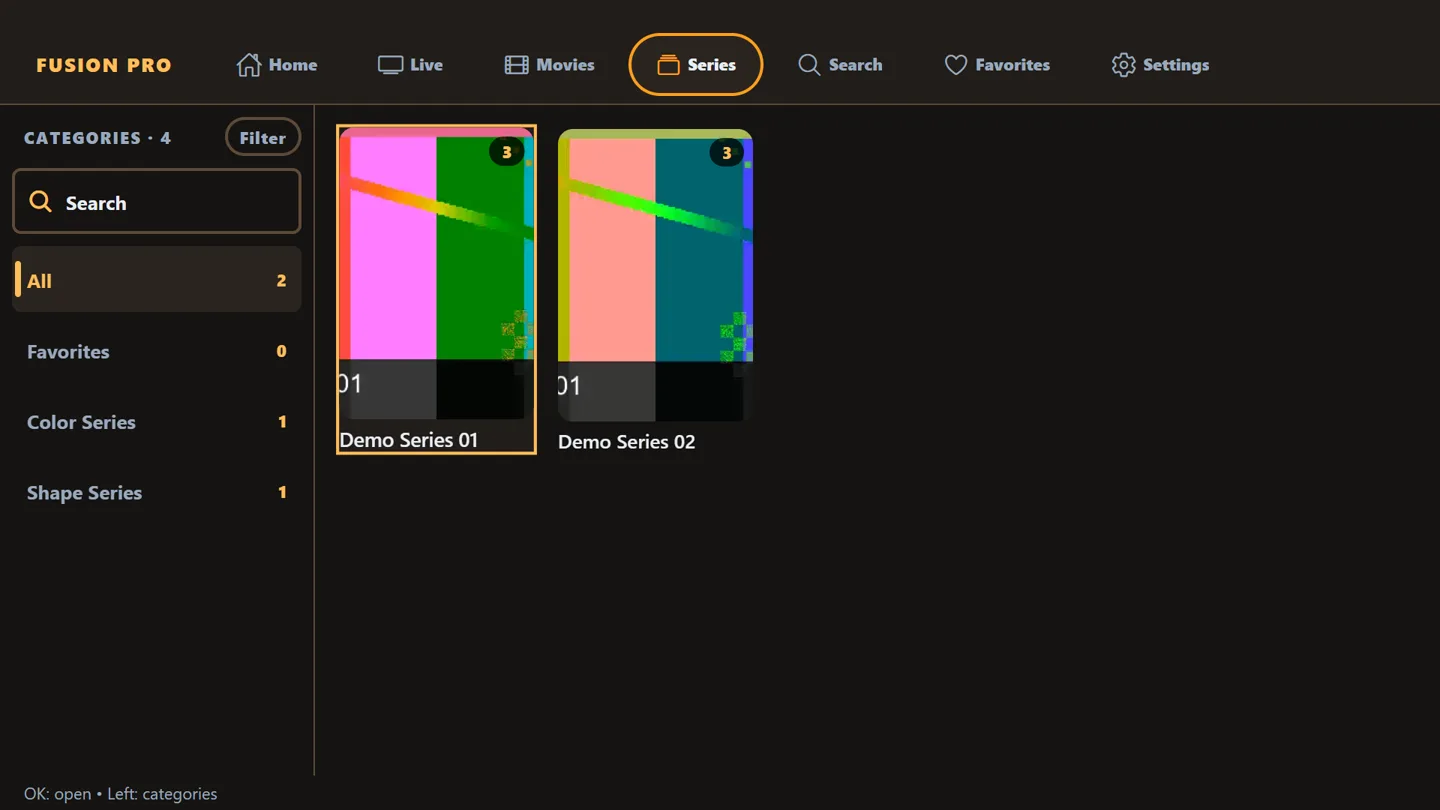
Series by season, progress saved on every episode and the next one a click away.
Type the Device ID shown on the TV: if the device has no playlist yet, send yours right away, no account needed. To edit one that exists, use the Key.
Bought from a reseller? They handle activation. Without one, activate on the Send playlist page and pay by PIX.
Payment by PIX (Brazil). Have a voucher? Use it on the same page and activate for free. Activation unlocks the app only: no content is included.
Official stores and direct installs. New stores show up here as soon as they are approved.
Activate customers with credits, create vouchers, organize with tags and automate it all through the API.
No. The app is only a player: it does not sell, host or provide playlists, channels, movies or any other content. You use the playlist you already have, from a provider entitled to distribute it.
On the app’s home screen (top corner on TV) and on the activation screen. The Device ID has 8 letters and digits; the Key has 5 digits.
On the Send playlist page, with an M3U or M3U8 link, or with your server code plus username and password. If you bought from a reseller, they can send the playlist straight to the device.
A 4-digit PIN that stops other people from changing or deleting the playlist on the Send playlist page.
If you buy from a reseller, your device comes activated. Without one, activation is done by PIX on the Send playlist page: 6 months, 1 year or lifetime. Vouchers activate too.
iPhone and iPad, Android and Android TV, Fire TV, Roku, Windows and Xbox, macOS and Linux. Samsung, LG and other TVs are under store review.
A random installation identifier and the device model. If you add a playlist, its address is stored encrypted, only to deliver it to your device. Details in the Privacy policy.
Fusion PRO Player is a media player. We do not sell, host, provide or recommend playlists, channels or content of any kind, paid or free, and we have no ties to playlist providers. Users are responsible for the playlists they add and must only access content they are entitled to watch.